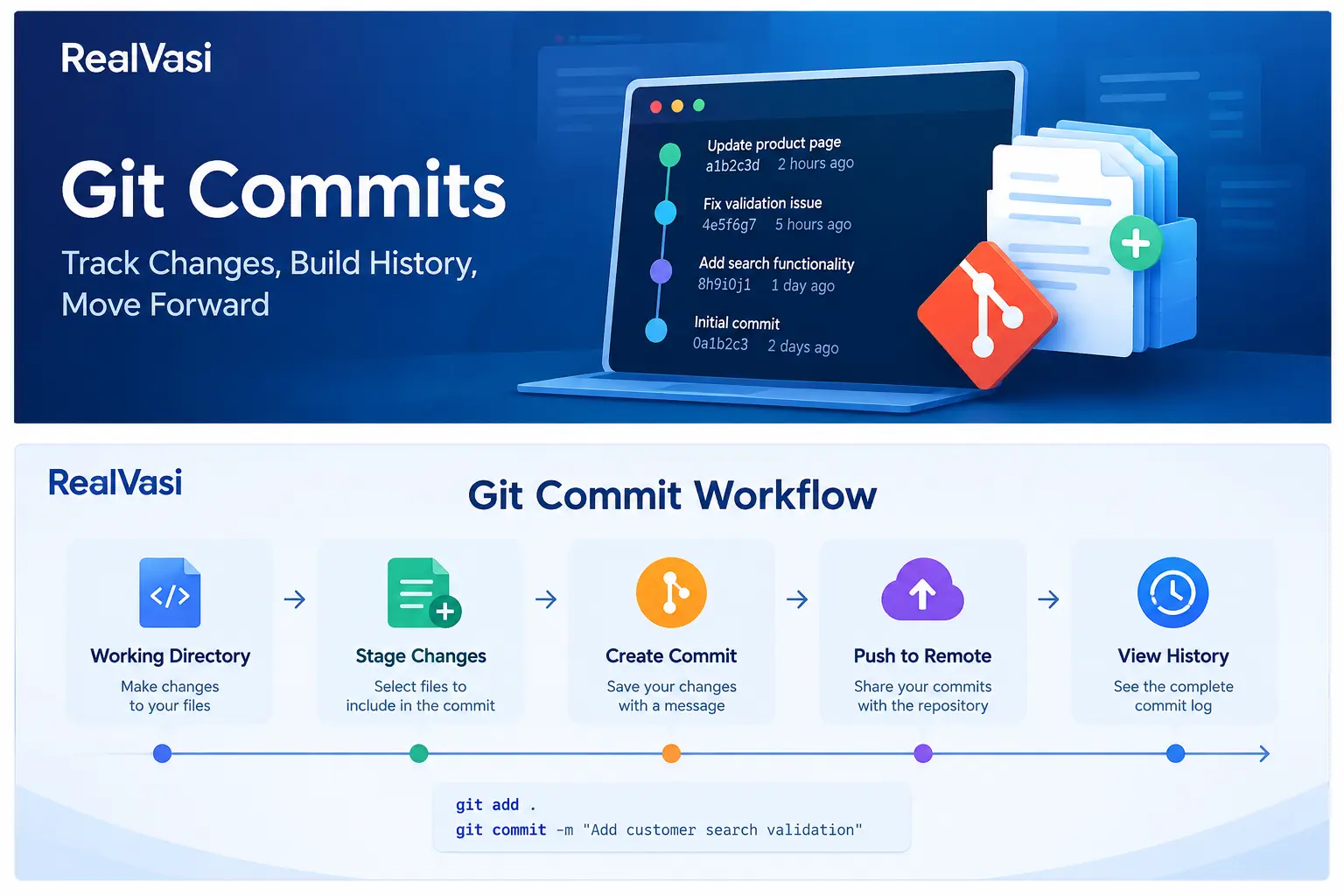
Git commits provide a structured record of changes made during software development. A commit represents a recorded point in a project’s development history and helps developers understand what changed, when it changed, and how the project evolved.
A simple way to think about the process is:
Make Changes
↓
Select Changes
↓
Create Commit
↓
Project History
Meaningful commits make the development history easier to understand, review, investigate, and maintain.
Why Are Git Commits Important?
Without meaningful commits, a project’s history can become difficult to understand.
Imagine a repository containing a single large commit:
Updated everything
It provides very little useful information.
Now compare that with:
Add customer registration validation
Add registration validation tests
Fix login timeout handling
Update payment API error handling
The second history provides much more context about how the project evolved.
A useful commit history can help developers:
• Understand how the code evolved
• Identify when a change was introduced
• Investigate bugs
• Compare earlier versions
• Revert problematic changes when necessary
• Understand previous development decisions
A meaningful commit history therefore becomes a valuable source of information about the development of a project.
What Makes a Good Commit?
A good commit generally represents a logical unit of work.
This means the changes included in a commit should have a meaningful relationship with each other.
For example, while developing a customer-search feature, a developer might create:
Commit 1
Add customer search endpoint
Commit 2
Add search validation
Commit 3
Add automated tests for search
This is easier to understand than combining unrelated work into one large commit.
A useful rule is:
One commit should tell a clear story about one logical change or development step.
This does not mean every commit must contain only one file. A single logical change may involve many files. The important distinction is between related changes and unrelated changes.
Commit Messages Matter
A commit message should communicate what the commit changed.
Compare:
fix
update
changes
done
with:
Fix login timeout handling
Add customer search validation
Update payment API error handling
Improve product search performance
The second group gives considerably more useful information to someone reviewing the project’s history later.
Clear commit messages can help developers understand:
• What changed
• Which part of the application was affected
• What problem was addressed
• Where to look when investigating a historical change
Commit-message conventions can vary between teams.
Some organizations may use formats such as:
feat: add customer search
fix: handle login timeout
test: add search validation tests
docs: update installation guide
Other teams may use a different convention.
There is no single message format that every project must follow. The important principle is that messages should be clear, meaningful, and consistent with the team’s conventions.
The Basic Commit Workflow
A typical Git workflow involves more than simply changing a file and committing it.
A simplified process is:
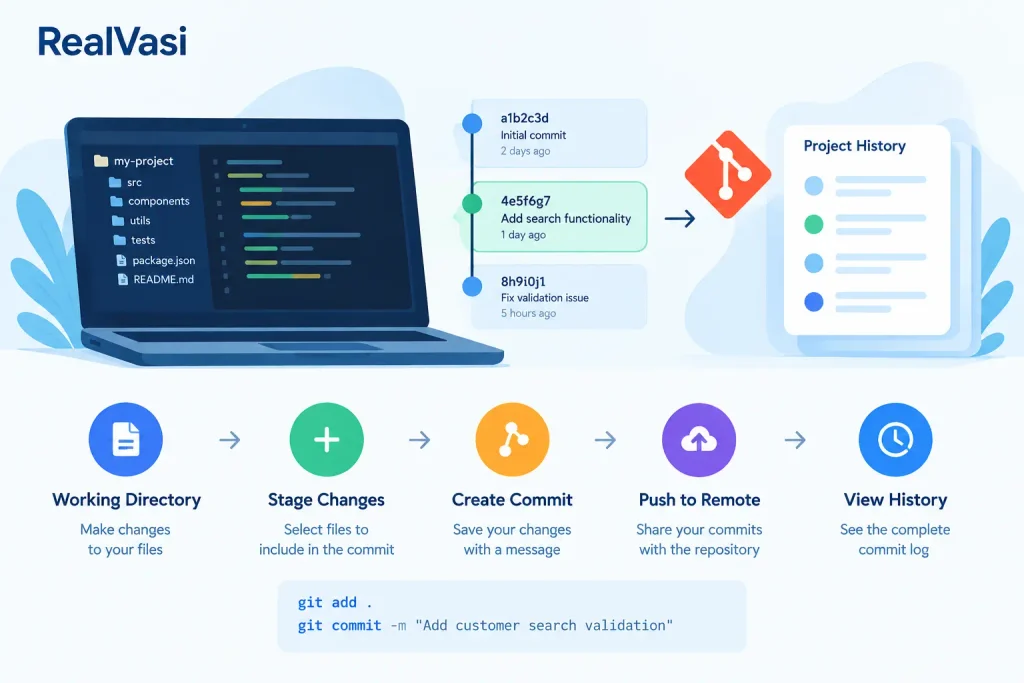
Working Directory
↓
Make Changes
↓
Review Changes
↓
Stage Selected Changes
↓
Create Commit
↓
Git History
From the command line, a simplified example is:
git add .
git commit -m “Add customer search validation”
The first command stages changes for the next commit.
The second command records the staged changes as a commit with a message.
The exact staging approach can vary. Developers may stage all relevant changes or selectively stage only specific files or portions of files.
This gives developers control over what belongs in a particular commit.
Working Directory, Staging Area, and Commit
Understanding the relationship between these three areas makes Git much easier to understand.
Working Directory
↓
Changes
↓
Staging Area
↓
Commit
↓
Repository History
Working Directory
This is where the developer currently works on project files.
Changes made here are not automatically part of the next commit.
Staging Area
The staging area allows the developer to select which changes should become part of the next commit.
This is useful when a developer has made several changes but wants to organize them into separate logical commits.
Commit
The commit records the staged changes as part of the repository’s history.
This three-stage model is one of the fundamental concepts of Git.
Example: Separating Related Work
Imagine a developer is working on a customer-management application.
During development, they make these changes:
1. Add customer search API
2. Add search validation
3. Update README
4. Fix unrelated login timeout
If all four changes are committed together, the history becomes less focused.
Instead, the developer could create:
Commit 1
Add customer search API
Commit 2
Add search validation
Commit 3
Update README
Commit 4
Fix login timeout
Now each commit represents a clearer piece of work.
This becomes especially useful when reviewing history or investigating why a particular part of the application changed.
Commits Build Project History
A Git repository can contain a sequence of Git commits representing the project’s development over time.
A simple representation is:
A ── B ── C ── D ── E
↑
main
Each point represents a recorded state in the repository’s history.
A developer can inspect this history to understand how the project changed.
For example:
Initial application
↓
Add authentication
↓
Add customer management
↓
Fix validation
↓
Improve performance
This historical record can become extremely valuable as a project grows.
Commit History Helps With Troubleshooting
Suppose a feature worked correctly yesterday but is failing today.
A developer can investigate the project’s recent history to identify what changed.
A simplified investigation might look like:
Problem Detected
↓
Inspect Recent Commits
↓
Identify Relevant Change
↓
Compare Code
↓
Investigate
↓
Fix / Revert if Appropriate
This is one of the practical benefits of version control.
Git history provides context that would be difficult to reconstruct from the current source code alone.
Commit history can therefore support activities such as:
• Bug investigation
• Comparing versions
• Reverting problematic changes
Commits and Branches
Git Commits and Git branches work together.
A branch provides an independent development line, while commits record the work performed on that line.
For example:
main
│
A ── B ── C
D ── E
↑
feature/search
Here:
• A, B, and C represent commits already on the main line.
• D and E represent commits made on the feature branch.
• The feature branch can continue developing independently.
• The completed work can later be integrated into the target branch.
This relationship can be summarized as:
Branches organize development lines; commits record the changes made within those lines.
Commits and Pull Requests
In a collaborative GitHub workflow, Git commits often become part of a pull request.
A typical process is:
Create Branch
↓
Make Changes
↓
Create Commits
↓
Push Branch
↓
Open Pull Request
↓
Code Review
↓
Automated Checks
↓
Merge
Reviewers can inspect the changes included in the pull request and, depending on the workflow, examine the individual commits as part of understanding the implementation.
If reviewers request changes, the developer can make additional changes and create additional commits.
The Git commits therefore provide a traceable record of how the proposed change developed during the review process.
Amending a Commit
Sometimes a developer realizes that the most recent commit needs a small correction.
For example:
• A file was accidentally left out.
• The commit message contains a mistake.
• A minor related change should have been included.
Git provides mechanisms for modifying the most recent commit.
Conceptually:
Existing Commit
↓
Small Correction
↓
Updated Commit
This should be used thoughtfully, particularly when the commit has already been shared with other developers.
Rewriting history that other people are already depending on can create confusion and synchronization problems.
Reverting Changes Safely
Sometimes a commit introduces a problem and the team needs to undo its effect.
Git provides mechanisms for creating a new change that reverses the effect of an earlier commit.
Conceptually:
Commit A
↓
Commit B ← Problem introduced
↓
Commit C ← Reverses B
This approach preserves the history rather than simply pretending that the earlier commit never existed.
The appropriate approach depends on whether the history is local, shared, or part of an important collaborative branch.
For shared repositories, developers should be especially careful when considering operations that rewrite history.
Avoid Unnecessary History Rewriting
Git provides powerful commands that can modify repository history.
These capabilities can be useful, particularly while cleaning up local development work.
However, rewriting shared history can affect other developers.
For example, force-pushing rewritten history to an important shared branch can cause other developers’ local histories to diverge from the remote repository.
A practical principle is:
Clean up local history when appropriate, but treat shared history with care.
Commits in Individual Development
For an individual developer, meaningful commits provide a reliable record of progress.
For example:
Project Setup
↓
Add Authentication
↓
Add User Profile
↓
Add Validation
↓
Add Tests
↓
Fix Issues
This makes it easier to return to previous development points and understand how the project evolved. It can also be useful when experimenting with a new feature because the developer can maintain a clear record of the work performed.
Commits in Team Development
For teams, commit history can become an important source of technical context.
Developers can use it to understand:
• What changed
• When it changed
• Why it changed
• Which area of the application was affected
• How a feature evolved
• Where a regression may have been introduced
However, commit history should not be treated as a replacement for proper documentation. Important architectural or business decisions may need to be documented separately through README files, issues, pull requests, architecture documentation, or other appropriate project records.
Commit Best Practices
Some practical commit practices include:
Keep Git commits focused
A commit should represent a logical unit of work.
Use meaningful messages
Describe the change clearly rather than using vague messages such as update or fix.
Avoid unrelated changes
If two changes are unrelated, consider recording them as separate commits.
Review staged changes
Before committing, verify that the changes being recorded actually belong together.
Do not commit sensitive information
Credentials, API keys, passwords, tokens, and private keys should not be committed to repositories.
Avoid unnecessary history rewriting
Be particularly careful when changing history that has already been shared with other developers.
Keep the history understandable
A meaningful history can help future developers investigate problems and understand how the project evolved.
A Real-World Example
Consider a team building an e-commerce application.
A developer is asked to add product search.
The developer creates a feature branch:
feature/product-search
The work progresses through several logical changes:
Commit 1
Add product search API
Commit 2
Add search filters
Commit 3
Add frontend search interface
Commit 4
Add search tests
The developer then pushes the branch and opens a pull request.
The commits provide a clear record of how the feature developed and give reviewers a way to understand the individual stages of the implementation.
The Bigger Picture
Commits are one part of the broader Git and GitHub workflow.
A simplified development process connects branches, commits, remote repositories, Pull Requests, review, automated checks, and merging:
Branch
↓
Development
↓
Commits
↓
Push
↓
Pull Request
↓
Review + Checks
↓
Merge
Branches organize development lines.
Git Commits record the changes made within those lines.
Pull Requests provide a structured way to review and integrate the proposed changes.
Together, these practices create a traceable development history and support collaborative software development.
Key Takeaway
Git commits provide a structured record of how a project changes over time.
Good Git commits should:
• Represent logical units of work
• Use meaningful messages
• Avoid unrelated changes
• Be reviewed before they are recorded
• Keep the project history understandable
• Be handled carefully when history has already been shared
The relationship is simple:
Changes
↓
Staging
↓
Commit
↓
History
↓
Branches / Pull Requests
↓
Collaborative Development
Meaningful Git commits make it easier to understand project history, review changes, investigate problems, and follow how software evolves.
Next topic: GitHub Pull Requests — detailed workflow, review practices, checks, merging, and common mistakes.