GitHub Copilot
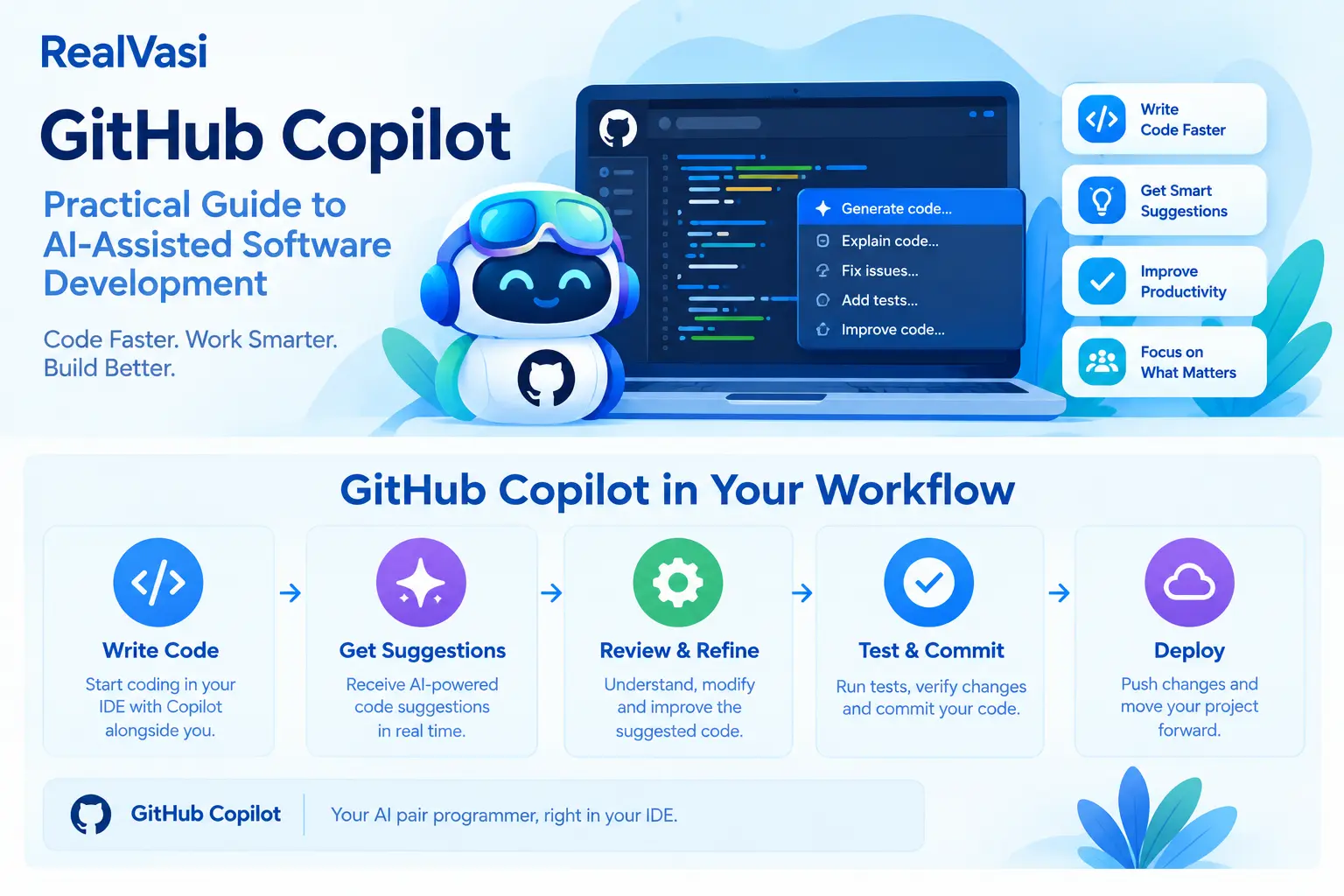
GitHub Copilot is an AI-powered development tool that can assist developers with writing, understanding, modifying, testing, documenting, and troubleshooting software.
Rather than replacing the developer, Copilot is best understood as an AI-assisted development tool that can help reduce repetitive work, explore possible solutions, and accelerate common programming activities.
A simple way to visualize its role is:
Developer
↓
Describe / Write / Ask
↓
GitHub Copilot
↓
Suggestion / Explanation
↓
Developer Review
↓
Modify / Test / Approve
↓
Final Implementation
The important point is that the developer remains responsible for the final result.
Why GitHub Copilot Matters
Modern software development involves much more than writing source code.
Developers regularly need to:
• Understand existing implementations
• Create new functionality
• Refactor code
• Write tests
• Investigate errors
• Create documentation
• Explore unfamiliar frameworks or APIs
• Improve readability
• Handle repetitive development tasks
AI assistance can support developers across these activities.
The working draft describes the broader development flow as:
Understand
↓
Plan
↓
Code
↓
Test
↓
Review
↓
Improve
↓
Document
This illustrates why Copilot should not be viewed simply as a code-completion tool. It can assist at multiple points in the development process.
AI-Assisted Coding
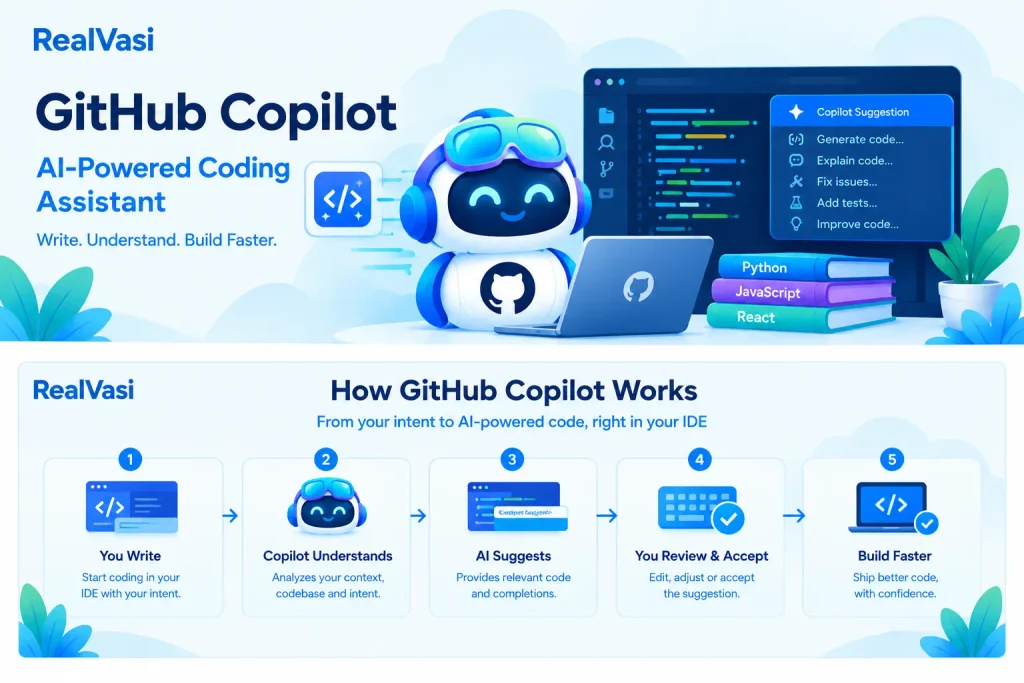
One of the most familiar uses of GitHub Copilot is assisting developers while they write code.
A developer can begin writing a function, class, configuration file, or other implementation, and Copilot can suggest code based on the surrounding context and the developer’s intent.
For example:
Developer Intent
↓
Write Function
↓
Copilot Suggestion
↓
Review
↓
Accept / Modify / Reject
The developer remains in control of what ultimately becomes part of the application.
This distinction is important.
A suggestion is not the same as a verified implementation.
Understanding Existing Code
Copilot can also help developers understand unfamiliar code.
This can be particularly useful when joining an existing project or working with a large codebase.
A developer may want to understand:
• What a function does
• How a component works
• Why a particular implementation was chosen
• How different parts of an application interact
• What a complex section of code is responsible for
AI assistance can provide explanations in more accessible terms, helping developers explore unfamiliar implementations more quickly.
For example:
Unfamiliar Code
↓
Ask for Explanation
↓
AI-Assisted Understanding
↓
Developer Verifies
↓
Continue Development
This can be useful for both experienced developers learning a new codebase and developers who are learning a new technology.
Generating and Improving Code
Copilot can assist with creating or modifying implementations.
Common examples include:
• Creating functions or methods
• Generating repetitive code
• Refactoring existing implementations
• Adding error handling
• Creating data-processing logic
• Converting code between approaches or patterns
• Improving readability
For example, a developer might already have a working implementation but want to improve its readability.
The workflow could be:
Existing Code
↓
Ask for Improvement
↓
Suggested Implementation
↓
Review
↓
Test
↓
Adopt if Appropriate
The developer should decide whether the suggested implementation actually fits the application’s requirements.
Testing with GitHub Copilot
Copilot can also assist developers in creating tests.
For example, given an existing function, a developer may ask for test cases covering:
• Normal input
• Empty or invalid input
• Boundary conditions
• Expected error scenarios
A simplified workflow is:
Existing Function
↓
Generate Test Suggestions
↓
Review Tests
↓
Modify as Required
↓
Run Tests
However, generated tests should not automatically be considered complete.
A test can be syntactically correct while still failing to cover an important business requirement.
The developer should therefore verify that the tests reflect the actual expected behavior of the application.
Documentation Assistance
Software development also involves considerable documentation work.
Copilot can assist with activities such as:
• Explaining functions
• Creating comments
• Drafting documentation
• Describing APIs
• Generating examples
• Summarizing sections of code
This can reduce repetitive documentation work.
However, generated documentation should be checked for accuracy. Documentation that confidently describes behavior the application does not actually implement can be more harmful than having incomplete documentation.
Debugging and Problem Solving
When a developer encounters an error or unexpected behavior, Copilot can help investigate possible causes and suggest approaches for resolving the problem.
For example, a developer may provide:
Error Message
+
Relevant Code
+
Expected Behavior
+
Actual Behavior
Copilot can then suggest possible causes or debugging approaches.
This can be useful when working with:
• An unfamiliar API
• A new framework
• A complex implementation
• A large existing codebase
However, the suggestions still need to be validated against the actual application, project requirements, and relevant technical documentation.
GitHub Copilot Does Not Eliminate Code Review
One of the most important principles when using AI-assisted development is:
AI-generated code still requires human review.
Developers should evaluate whether:
• The implementation solves the intended problem
• The code follows project conventions
• The solution is efficient enough
• Edge cases have been considered
• Dependencies are appropriate
• Security issues have been introduced
• Generated tests adequately cover the required behavior
This is especially important for production applications where reliability, security, performance, maintainability, and business requirements matter.
AI can accelerate implementation.
It does not transfer engineering responsibility from the developer to the AI tool.
Security and Responsible Use
AI-assisted development also introduces security and governance considerations.
Organizations may need policies covering:
• Source-code access
• Sensitive information
• Credentials and secrets
• Intellectual property
• Code review
• Security testing
• Approved development environments
Developers should be particularly careful about providing confidential information, credentials, API keys, or other sensitive data to AI-assisted development environments unless the organization’s policies and applicable service configuration explicitly allow it.
A useful principle is:
Treat AI-assisted development with the same engineering and security discipline as other software development activities.
Benefits of GitHub Copilot
When used appropriately, Copilot can provide several benefits.
Faster Development
Developers can reduce the time spent writing repetitive or predictable code.
Reduced Boilerplate
Common implementation patterns can be generated more quickly.
Faster Learning
Developers can use AI assistance to explore unfamiliar APIs, frameworks, and programming concepts.
Support for Testing and Documentation
Copilot can help developers get started with tests and documentation, reducing repetitive work.
Improved Developer Productivity
By assisting with multiple development activities, AI tools can allow developers to spend more time on areas that require deeper engineering judgment, including:
• Architecture
• Problem solving
• Business requirements
• Security
• Testing
• Performance
• Maintainability
Limitations of GitHub Copilot
GitHub Copilot should not be treated as an infallible source of software solutions.
Potential limitations include:
• Generated code may contain errors.
• Suggestions may not fully understand application-specific business requirements.
• Generated implementations may require optimization.
• Security vulnerabilities can still occur.
• Developers may become overly dependent on generated solutions.
• AI-generated explanations can sometimes be incomplete or incorrect.
This leads to an important distinction:
AI Suggestion
≠
Verified Solution
The suggestion becomes part of a reliable software solution only after appropriate human evaluation, testing, and validation.
A Real-World Example
Consider a developer working on a customer-management application.
The developer needs to add validation for a new customer-registration form.
Instead of manually creating every part of the implementation, the developer could use Copilot to help generate an initial validation function and corresponding test cases.
The workflow could look like:
Describe Requirement
↓
Generate Initial Implementation
↓
Review Code
↓
Modify Where Necessary
↓
Run Tests
↓
Security + Quality Checks
↓
Commit Final Implementation
The AI assists with the implementation, but the developer remains responsible for the final result.
This is a useful example of how AI assistance can fit into a normal engineering workflow without replacing engineering judgment.
GitHub Copilot and the Modern Development Workflow
Copilot can be viewed as one component within a broader development process:
Requirement
↓
Plan
↓
AI-Assisted Development
↓
Code Review
↓
Automated Tests
↓
Security Checks
↓
Commit
↓
Pull Request
↓
Merge
↓
Deployment
This is important because AI-generated code should not bypass the established engineering controls around it.
Git, GitHub, pull requests, automated testing, security checks, and deployment practices still play their respective roles. Copilot can help accelerate the work performed within that process.
RealVasi Expert Perspective
AI coding assistants are most valuable when they are integrated into a disciplined engineering process.
The objective should not simply be:
“Write more code faster.”
A better objective is:
Reduce repetitive development work while giving engineers more time to focus on architecture, business logic, security, testing, performance, and maintainability.
The working draft emphasizes this balance: AI can improve developer productivity, but the quality of the final application still depends on how the generated work is validated, secured, tested, and maintained.
A practical approach is:
Use AI to Accelerate
↓
Keep Human Engineering Judgment
↓
Review
↓
Test
↓
Secure
↓
Validate
↓
Maintain
This approach allows organizations and individual developers to benefit from AI-assisted development without treating AI output as automatically correct.
Key Takeaway
GitHub Copilot can assist developers throughout the software development lifecycle.
Its role can be summarized as:
Understand
↓
Plan
↓
Code
↓
Test
↓
Review
↓
Improve
↓
Document
The most important principle is that Copilot is an assistant, not an authority.
It can help developers work faster, reduce repetitive coding, explore unfamiliar technologies, create tests and documentation, and investigate problems.
At the same time, developers must remain responsible for:
• Correctness
• Security
• Performance
• Maintainability
• Business requirements
• Testing
• Final engineering decisions
When AI assistance is combined with strong engineering practices, it can become a valuable part of the modern development workflow.